Shipmate now supports International Tariff Codes
If you're shipping internationally, you'll know that getting your Harmonised System (HS) codes right isn't just good practice, it's what stands between your parcels clearing customs smoothly and getting held up at the border.
Until now, Shipmate has supported a single Tariff Code per SKU. That's worked well for most sellers, but as our merchants ship a more diverse range of products to a wider range of countries, we've seen a real-world problem emerge: different territories often require different levels of classification detail. The US, for example, has its own extended codes that go beyond the standard six-digit international format, and with tariffs a bigger talking point than ever, getting those right matters.
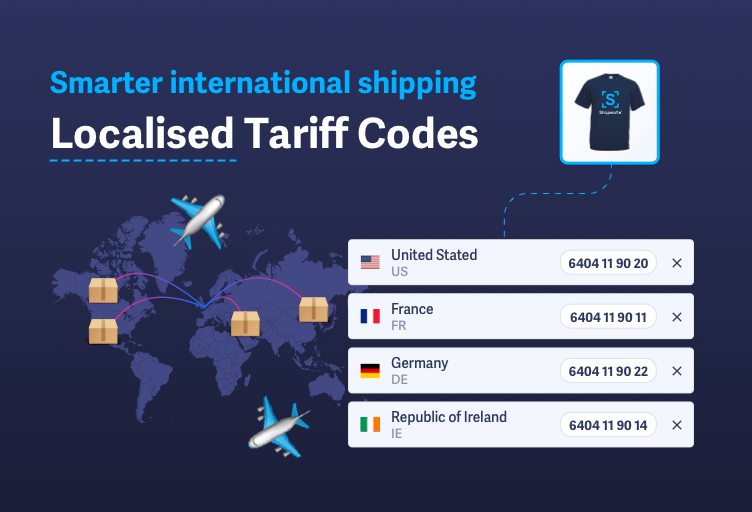
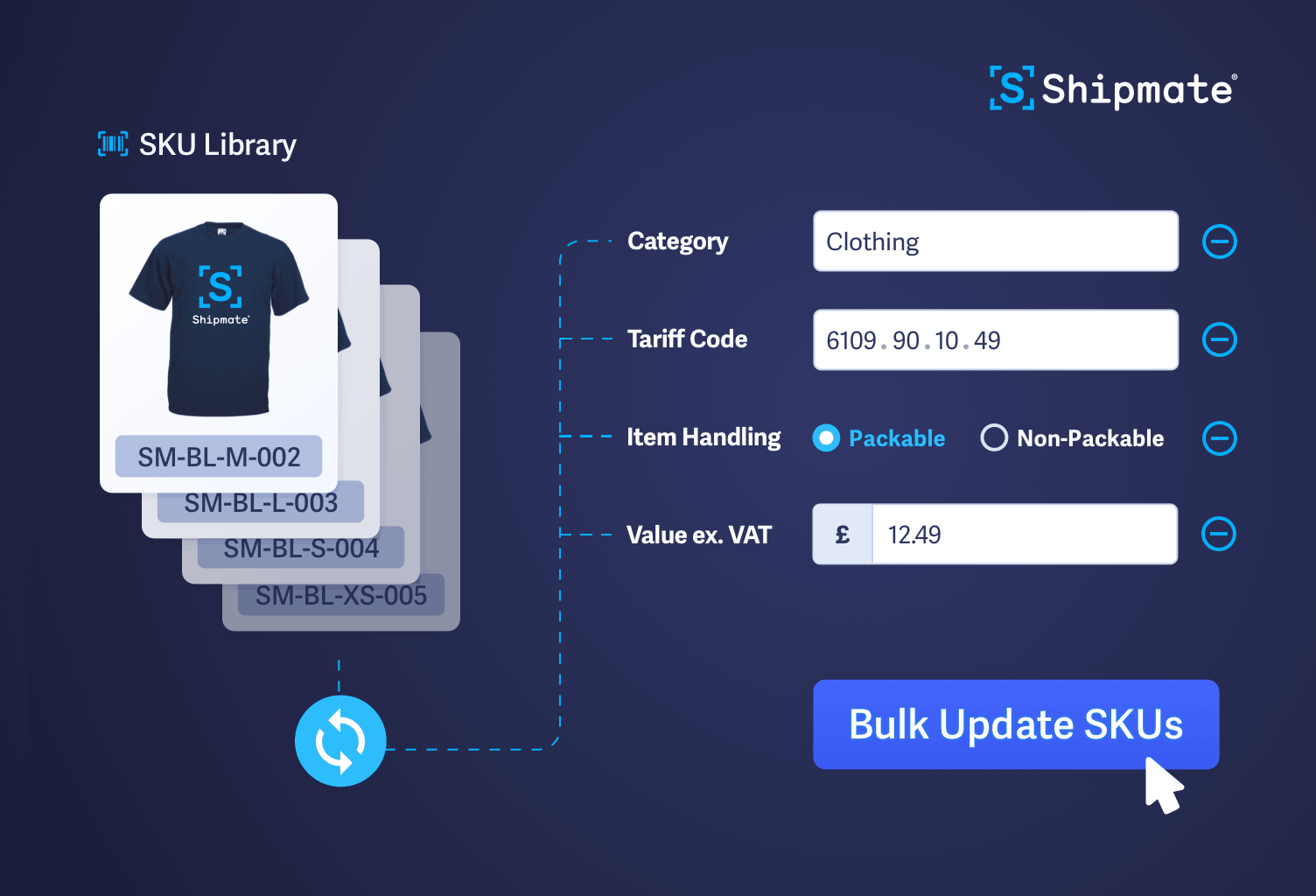
So we've updated the SKU Library to support Localised Tariff codes. Here's what's new…
A quick refresher on how HS codes work
The HS code system provides a universal way of classifying goods for customs and import duties. All codes start with six digits, but individual countries can require up to six additional digits to capture things like the materials a product is made from, or how it was manufactured.
A product might carry the same six-digit code worldwide, but the UK, US, and EU could each want something different for the remaining digits. If you're sending the same product to multiple territories, one code doesn't always cut it.
What's changed in Shipmate
You can now store multiple HS codes against a single SKU, one for each country that needs it. Your existing Tariff Code stays exactly where it is and continues to work as your default: if no country-specific code has been set for a destination, Shipmate uses it automatically. Nothing breaks, nothing changes unless you add to it.
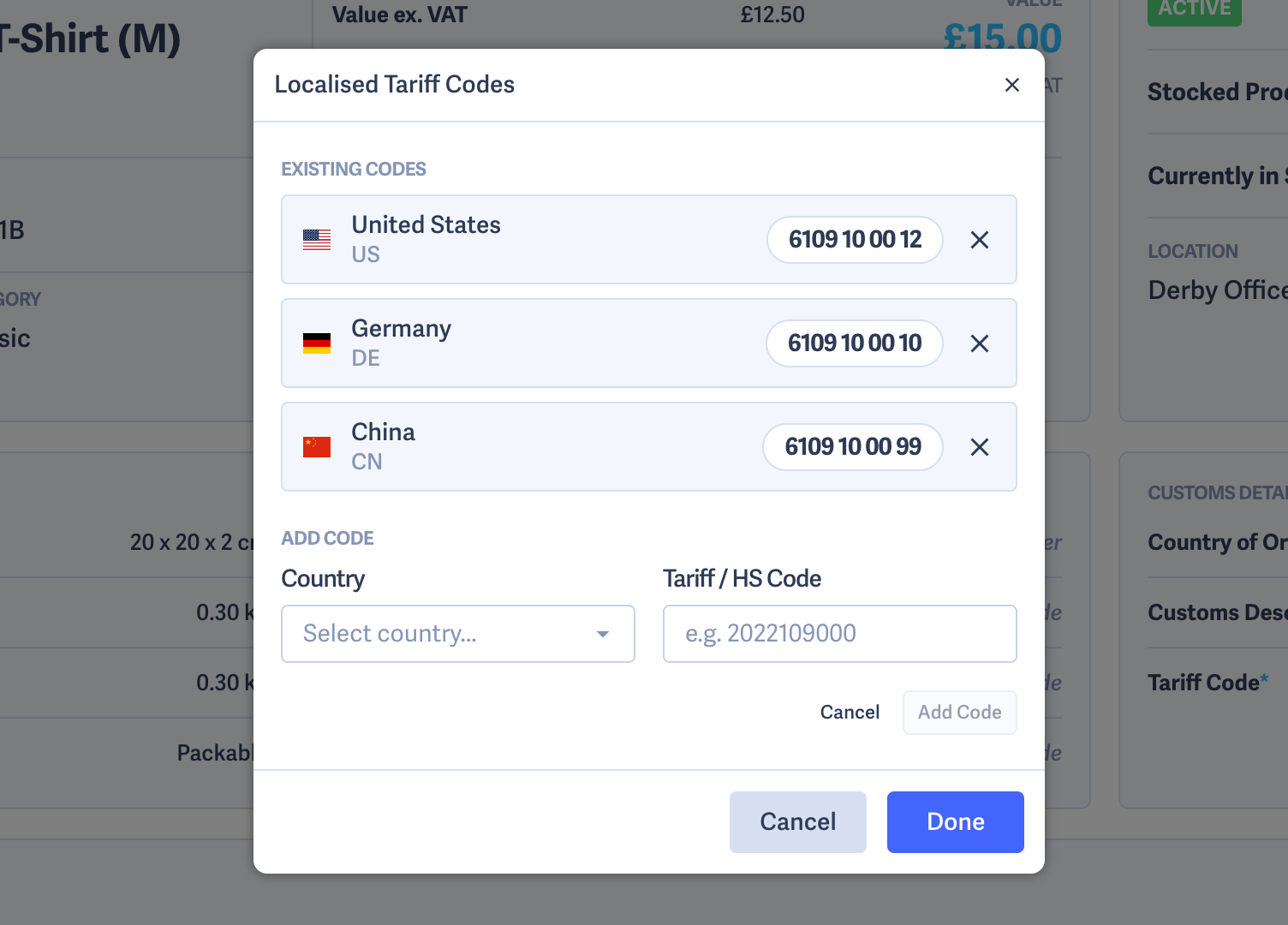
Managing localised codes is straightforward. Head into any SKU in your SKU Library – on the Customs Details card, you'll see a summary of any localised codes you've added. Clicking through opens a modal where you can add, edit, or remove country-specific codes, each one showing the country flag, country code, full country name, and the Tariff Code itself.
If you use Shopify, you may already be familiar with territory-specific HS codes at the channel level. Shipmate now mirrors that capability, so your shipping data can stay consistent with your store configuration.
Does this apply to your shipments?
If you're shipping primarily within the UK or EU and using standard six-digit codes, you probably won't need to change anything. But if you're exporting to any territory that requires extended classification, this gives you the precision to do it properly, without cluttering the interface for anyone who doesn't need it.
As always, if you have any questions about setting up HS codes for your products, our support team is on hand to help.
 Shipmate - automated shipping software for UK and Republic of Ireland online retailers












 Carrier Integrations

 Channel Integrations